


Outfront Media
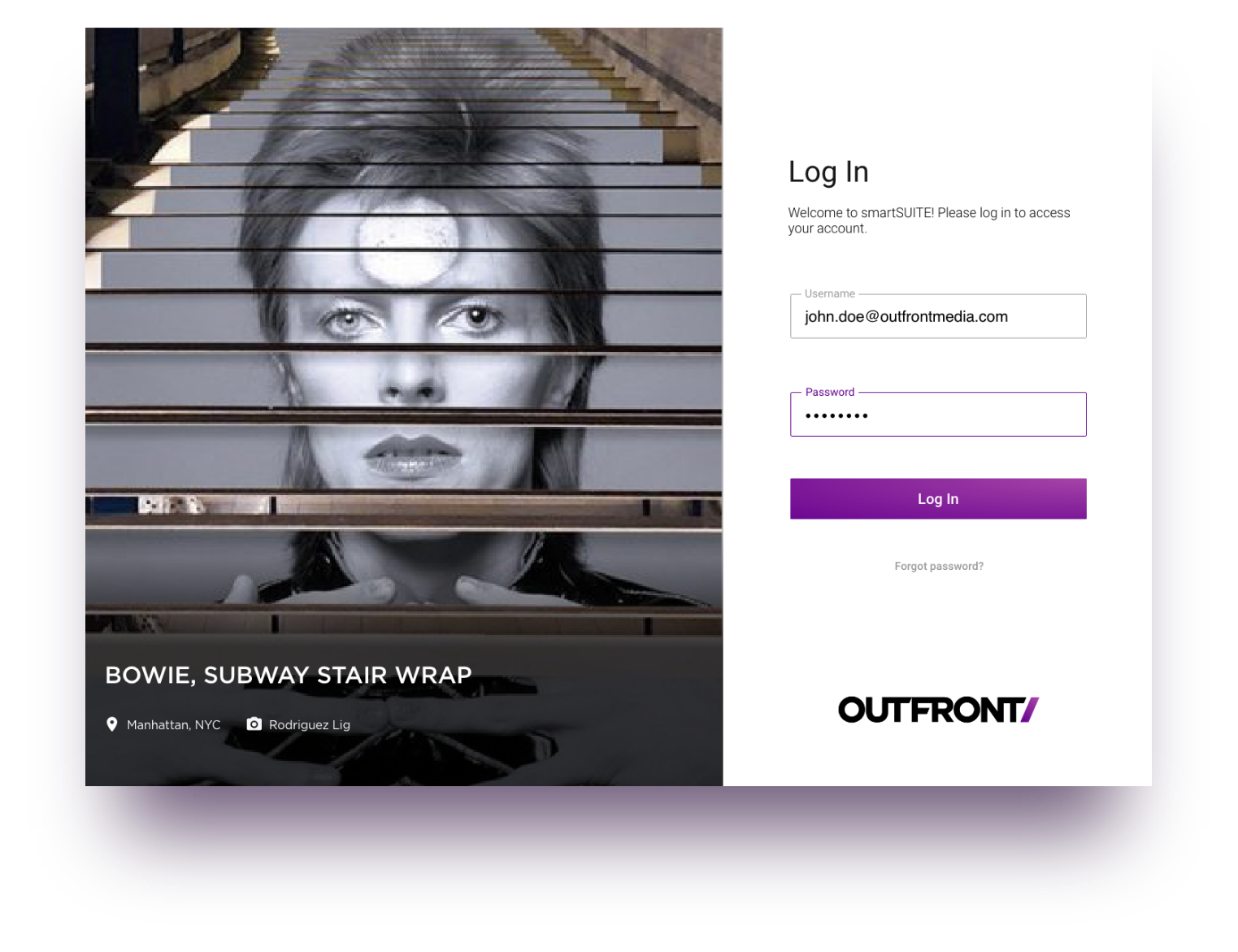
Cross platform SaaS helping internal and external teams create, manage and track Digital Out of Home (DOOH) ads nationwide.
Year
2017
Role
User Research
Visual Design
Interaction Design
Devices
Mobile
Desktop
DOOH BUILDER TOOL
With the emergence of new ad technology, the Digital Out of Home (DOOH) industry is forced to reevaluate their old methods of distributing and featuring advertisement. As such, advertising companies are revamping their current workflows to meet the demands of this new technological age.
Outfront, one of the leaders in Out Of Home (OOH) advertising, began their digital transformation by replacing all of their static billboards in the northeast with new digital screens. Thus, began our work on "On Smart Media,” a suite of ad tech software tools intended to serve both internal and external constituents. This software would allow employees to create, manage and distribute digital ads to all Outfront’s new digital assets.
In this role…
As lead UX Researcher, I worked closely with the UX/UI lead and senior visual designer throughout the entire UX process, bringing the product’s team requirements to life through various methods of user research. My main goal was to sit and learn directly from our end users to ensure the product would be built with their needs in mind.
As well, as the primary UX Researcher, I documented and organized all our research findings and design decisions into presentation decks that could be distributed throughout the company.

Phase i
Research
Primary, Secondary * Tertiary Research
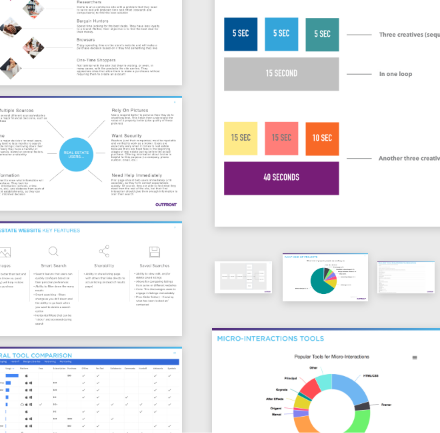
Often, in large corporations, information can be siloed, so while at Outfront, I ensured everyone could easily access and understand our work. In return, this initiative bolstered our recognition in the company, which helped in future participant recruiting efforts.
User FLows
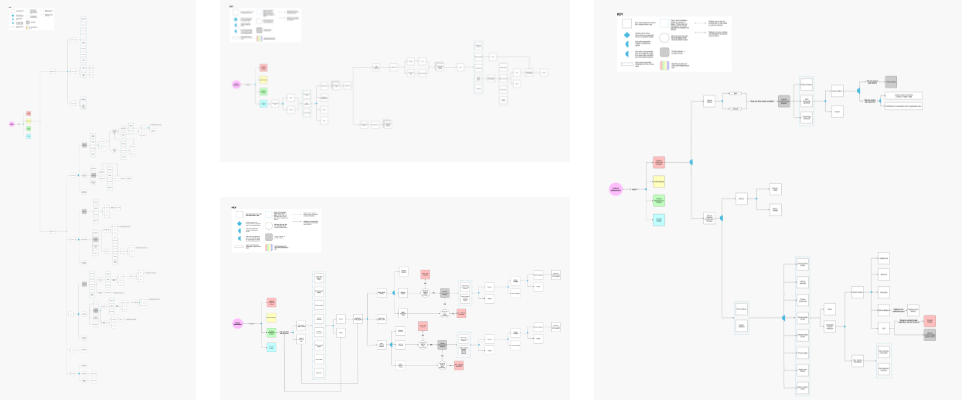
Based on each user, I created user flows that would take the user from start to finish. I took into consideration not only the happy user path, but also all other options users might take, including “empty” and “error” screens, so there would be no pitfalls in the system.
Competitive / comparative analysis
Since our team was creating a new suite of products from scratch, we needed to understand who our competitors were, what they were doing and how we could do it better.
This exercise also helped identify where our team would need to design from scratch, and where we might be able to save time/effort by outsourcing.

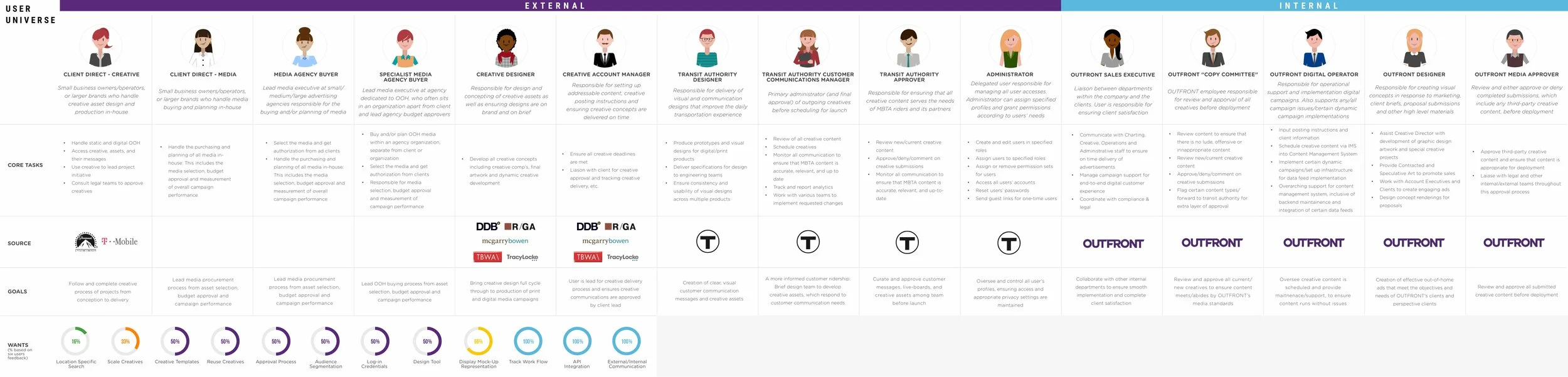
User Universe (personas)
After speaking with users to understand their workflows, I created a “User Universe.” Since Outfront is a large corporation with different teams, I thought it would be helpful for our team and stakeholders to understand what part each team plays in creating this software. This also helped inform a lot of our user flows.
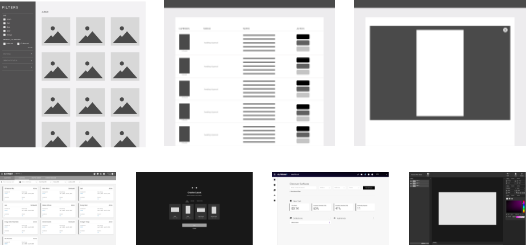
Low - Mid Fidelity Wireframes - Testing
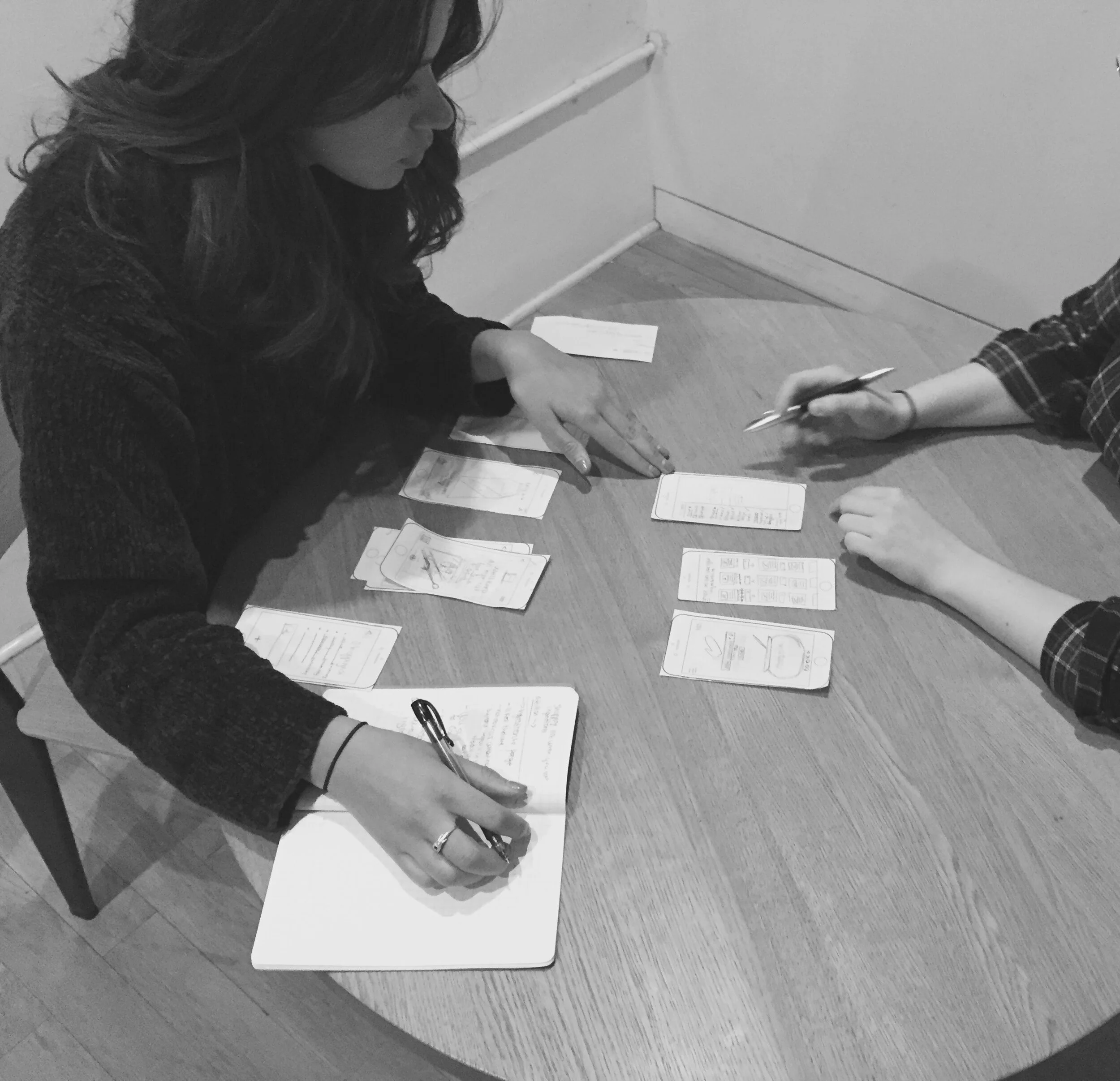
In concepting some of our initial ideas, we resorted to low-mid fidelity wireframes, as we knew these would welcome more (truthful) user feedback and be quicker to test/iterate.
Phase iI
Design
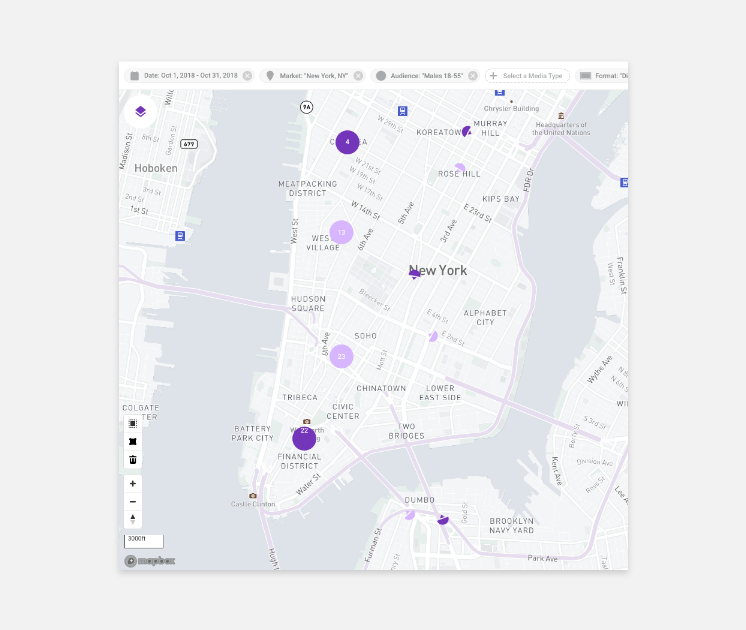
Filtering System and Map View
This approach would allow users to visually plot out where they would like to begin their work process. The DOOH process, though complex, could be visually simplified with a map, so we decided to have users start here.
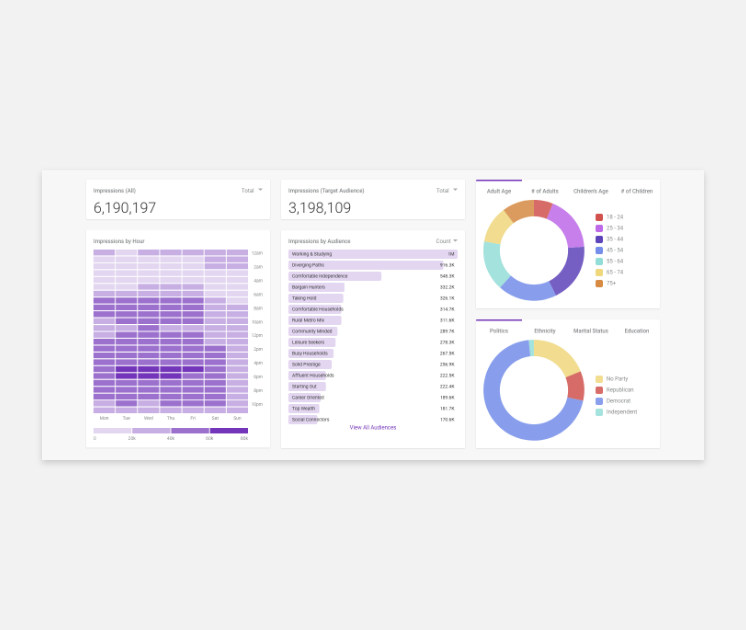
AudiencE Key performance indicators
Users who sell assets do so by understanding which audience is best for Outfront’s clients. We created a comprehensive view to allow sellers to understand “at a glance” how assets were performing against audiences.
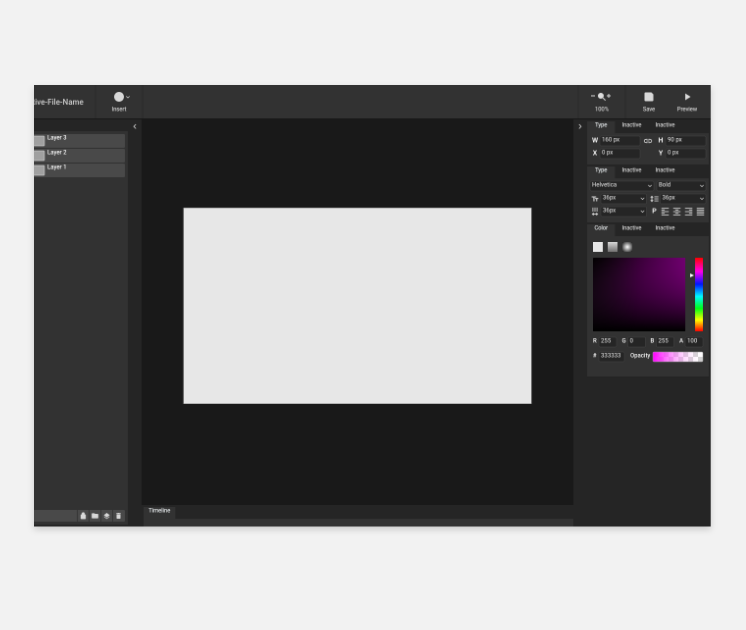
Our Builder Tool
For our content creators, we built out a familiar tool that could match the more popular creative tools (i.e photoshop). This was a decision made to avoid high learning curves and allow for the most creative flexibility.
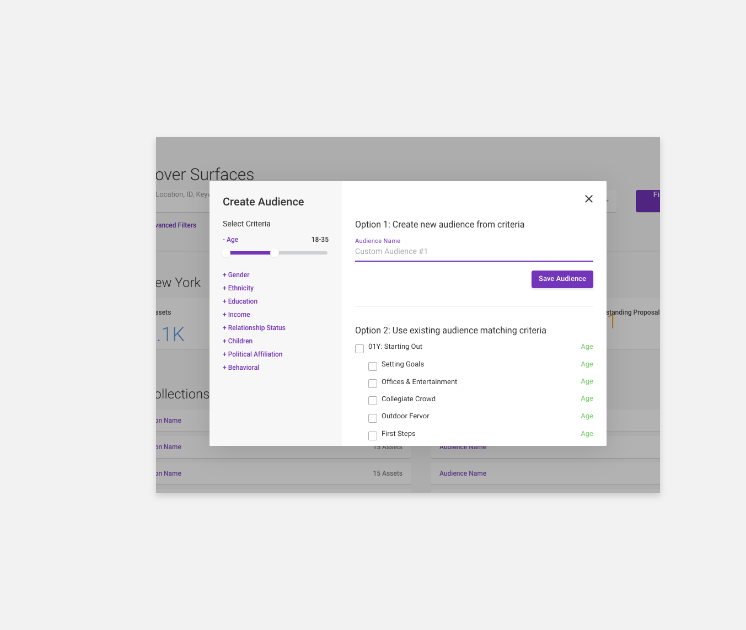
Audience Wizard
For our sellers, we wanted to allow them to easily search for assets by audience, so we created a step-by-step “Audience Wizard” that would allow such capabilities.
KEy PRojects
Here are some cool projects I got to work on...
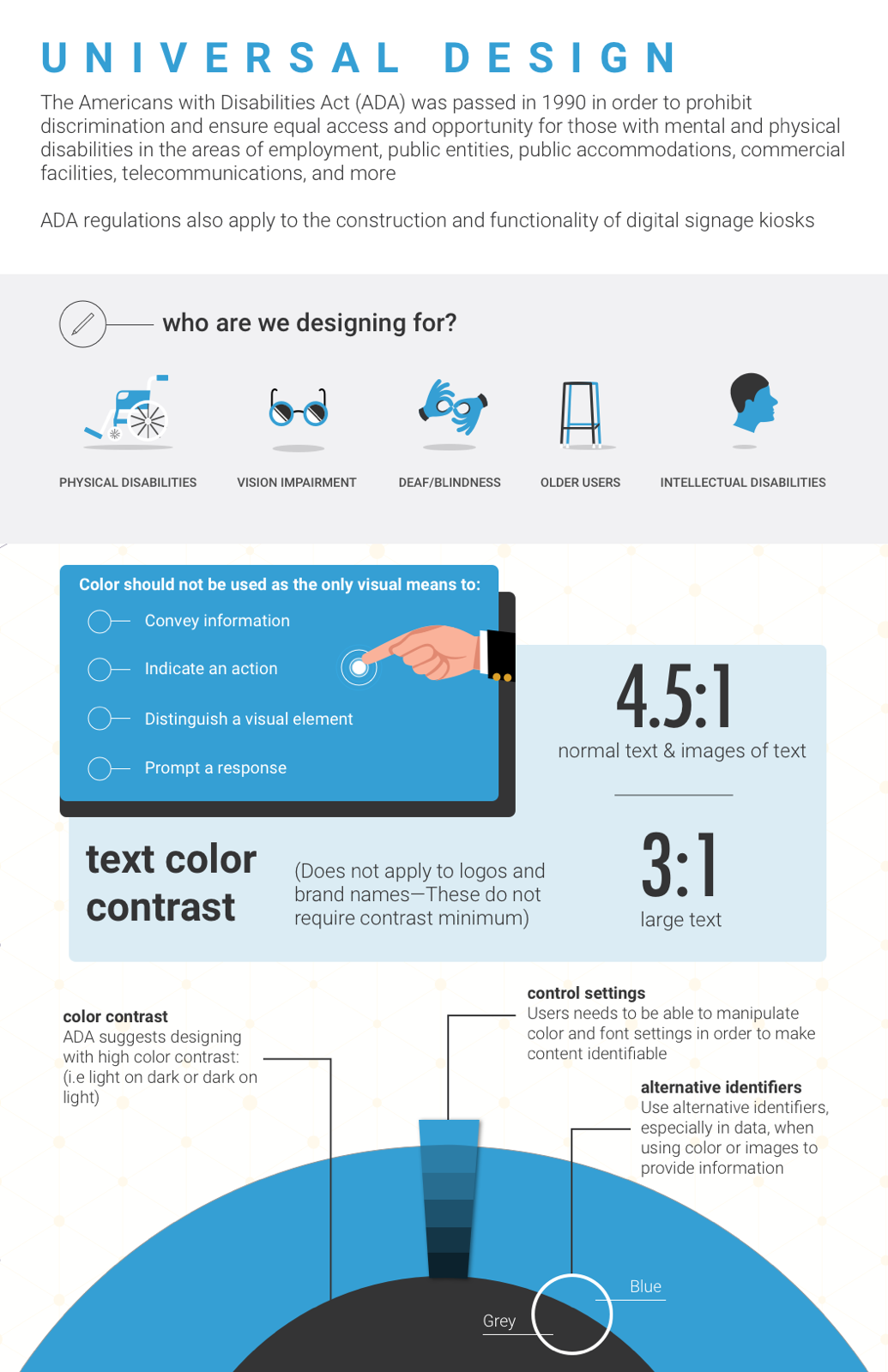
Accessibility infographic
To help Outfront teams and our clients create advertisements for every kind of user, I designed an easy to follow infographic with all the relevant rules.
This would ensure all digital display ads would consider accessibility when creating ads.
Prototype & More to come
Due to NDA restriction, I cannot share additional information regarding this product.
Project LEarnings
What I’m taking with me…
Shut up and listen
Listen first: Like anyone, we as designers want our ideas to be heard and to have our users agree with our vision. However, this project taught me to, simply put, shut up and listen. I started this project knowing very little about the DOOH space, so the first thing I learned quickly was to listen and ask as many question as I could from our users. Only then could I learn and begin to generate ideas.
Simplicity is key: As a designer, we are often lured by aesthetically beautiful UI. However beautiful an interface may be, it is dead weight without its value to users.
Take the time: Being pressured by stakeholders to rapidly move through (or skip) important steps in the UX process can only result in inevitable mistakes later down the line. It pays to stick to your process and move forward only when ready.